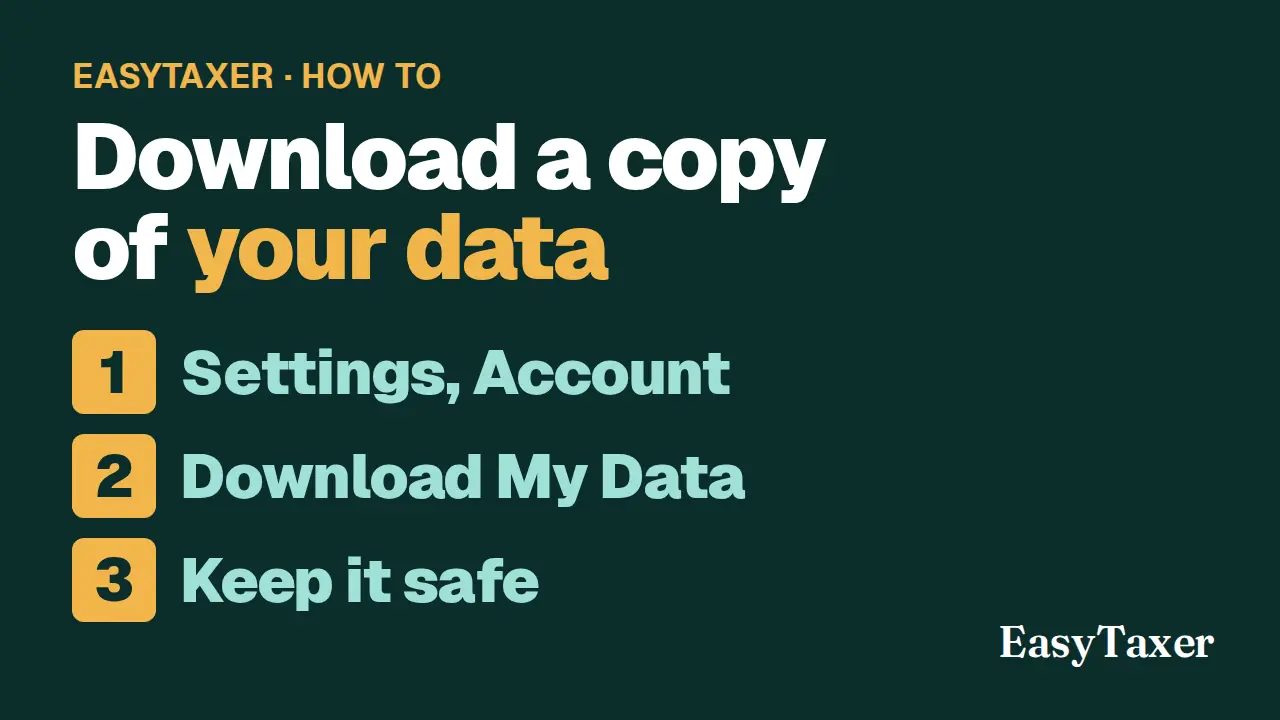
Video coming soon
Step by step
- Open Settings, Account from the menu and scroll to Download My Data.
- The ZIP archive holds the source data you entered: your account details, transactions, asset details, bank and cash accounts, capital-allowance pool balances, mileage records, the support messages you sent, any waitlist requests and the receipts you uploaded.
- Submitted tax returns and HMRC tax calculations are not included; you can retrieve those from your HMRC account.
- Bank and cash accounts are included with their full account numbers and sort codes. Keep the file somewhere safe.
- Select Download ZIP. Your browser saves the file.
Steps: the text version of this video
-
Download My Data
To take a copy of everything you've entered, open Settings, then Account, and scroll to Download My Data.
-
What's included
The ZIP file holds your account details, transactions, assets, bank and cash accounts, mileage records and the receipts you've uploaded. Your returns and HMRC's calculations aren't included, because they're kept by HMRC.
-
Keep it safe
Bank account numbers and sort codes are included in full, so keep the file somewhere safe.
-
Download ZIP
Select Download ZIP, and your browser saves the file.
What happens next
- Bank account numbers and sort codes are included in full, so keep the file somewhere safe.
Related
- On the same page in EasyTaxer: How do I sign up and connect EasyTaxer to HMRC?
- Getting started with EasyTaxer (guide)
- Making Tax Digital without an accountant - a DIY guide for self-filers (guide)
- Previous in this playlist: How do I update my personal details and password?
- Next in this playlist: How do I turn on two-factor authentication with an authenticator app?
- All help articles
- Still stuck? Use Contact support in the menu under your name inside EasyTaxer, or email info@easytaxer.com.
Checked against EasyTaxer on 26 September 2026. Screens can change between releases; if something here does not match what you see, please tell us.