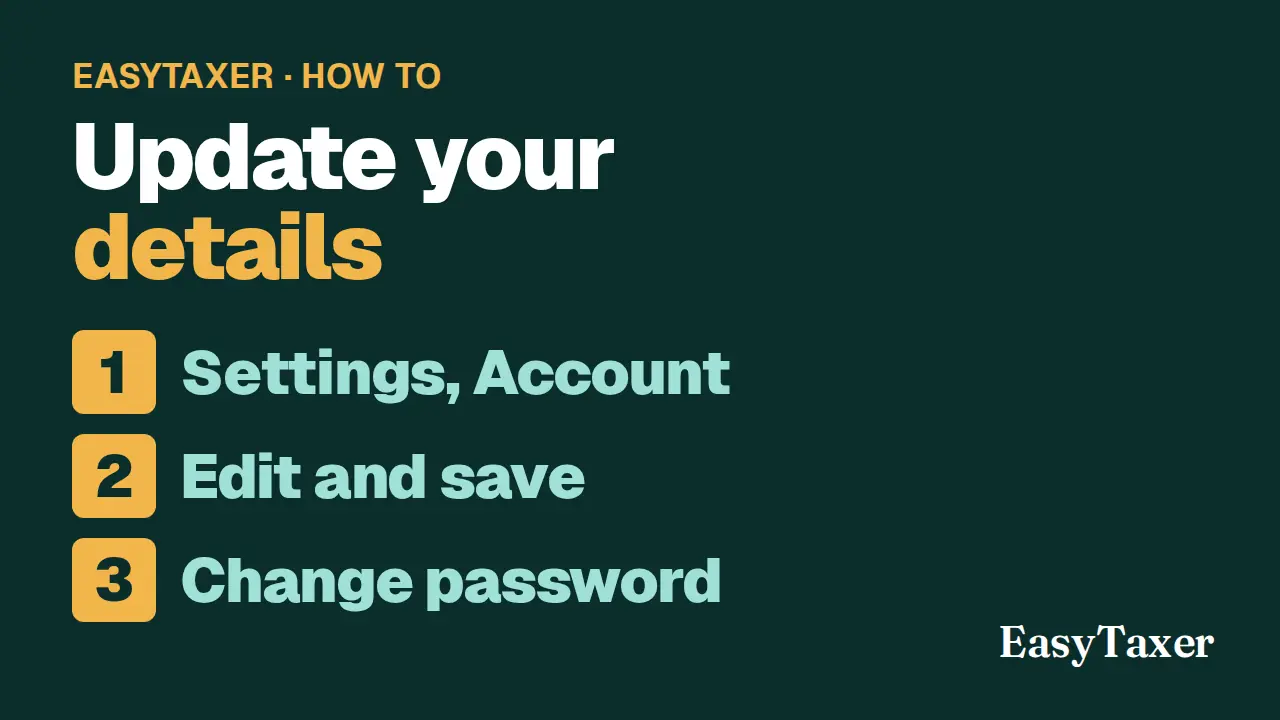
Video coming soon
Step by step
- Open Settings, Account from the menu.
- Under Personal & Address Details, add or correct your date of birth, phone number, address and postcode.
- Your email address and National Insurance number cannot be changed here. Under Tax Identifiers you can add your Unique Taxpayer Reference (UTR) if you have one.
- Select Save Profile. A message confirms your account settings are updated.
- To change your password, enter the new password in New Password and Confirm Password, then select Update Password.
Steps: the text version of this video
-
Account settings
Your personal details are in Settings, under Account.
-
Add or correct your details
Add or correct your date of birth, phone number and address.
-
What can't be changed
Your email address and National Insurance number can't be changed here. You can add your Unique Taxpayer Reference if you have one.
-
Save
Select Save Profile. EasyTaxer confirms your details are updated.
-
Change your password
To change your password, enter the new one twice and select Update Password.
What happens next
- Your email address and National Insurance number cannot be changed here.
Related
- On the same page in EasyTaxer: How do I sign up and connect EasyTaxer to HMRC?
- Getting started with EasyTaxer (guide)
- Connecting EasyTaxer to HMRC (guide)
- Next in this playlist: How do I download a copy of my data from EasyTaxer?
- All help articles
- Still stuck? Use Contact support in the menu under your name inside EasyTaxer, or email info@easytaxer.com.
Checked against EasyTaxer on 26 September 2026. Screens can change between releases; if something here does not match what you see, please tell us.