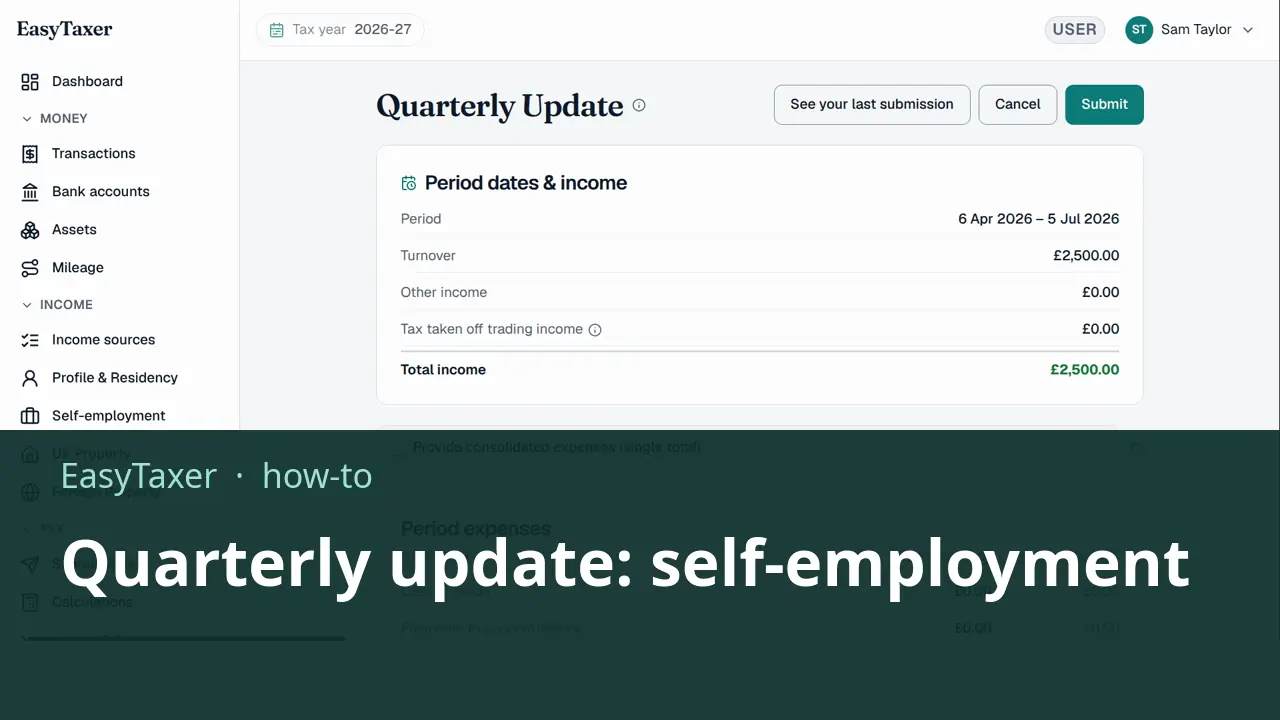
Video coming soon
Before you start
- EasyTaxer is connected to HMRC.
- Your self-employment business is chosen for the tax year on the Income sources page.
- The quarter's period has ended. A quarter can only be sent once its period is over.
- Your income and expenses for the period are recorded as transactions.
Steps: the text version of this video
-
Your transactions
Your quarterly update is built from the transactions you record in EasyTaxer. Here are this quarter's sales and business costs for a sole trader.
-
Open Submissions
Open Submissions. Each business shows its four quarters for the tax year, with the period each one covers and its deadline.
-
Choose the quarter
Select the quarter you want to send. Here it's the first quarter, which ended on the fifth of July. Later quarters open once their period has ended.
-
Check the figures
EasyTaxer adds up your income and expenses for the period, sorts them into HMRC's categories, and shows exactly what it will send, down to the net profit.
-
Submit to HMRC
When the figures look right, select Submit. EasyTaxer asks you to confirm, then sends the update straight to HMRC.
-
Done
EasyTaxer confirms as soon as HMRC has accepted your quarterly update.
What happens next
- HMRC checks the update. As soon as HMRC accepts it, EasyTaxer confirms it on screen.
- If HMRC rejects the update, EasyTaxer shows you HMRC's own error message, so you know what to change before you send it again.
Related
- How to submit a quarterly update (guide)
- MTD for Income Tax for sole traders - what it means for you (guide)
- Next in this playlist: How do I submit a quarterly update for UK property?
- All help articles
- Still stuck? Use Contact support in the menu under your name inside EasyTaxer, or email info@easytaxer.com.
Checked against EasyTaxer on 25 September 2026. Screens can change between releases; if something here does not match what you see, please tell us.