Video coming soon
Step by step
- Send all your quarterly updates first, then make any adjustments to your self-employment and property income.
- Make sure your other income is included: check what HMRC has added, and add the rest.
- In Tax → Calculations, select Intent to Finalise to run the finalisation calculation, and check it.
- Submit it as your final declaration: type FINALISE to confirm. This locks the tax year; after that, changes need a formal amendment.
Steps: the text version of this video
-
The short answer
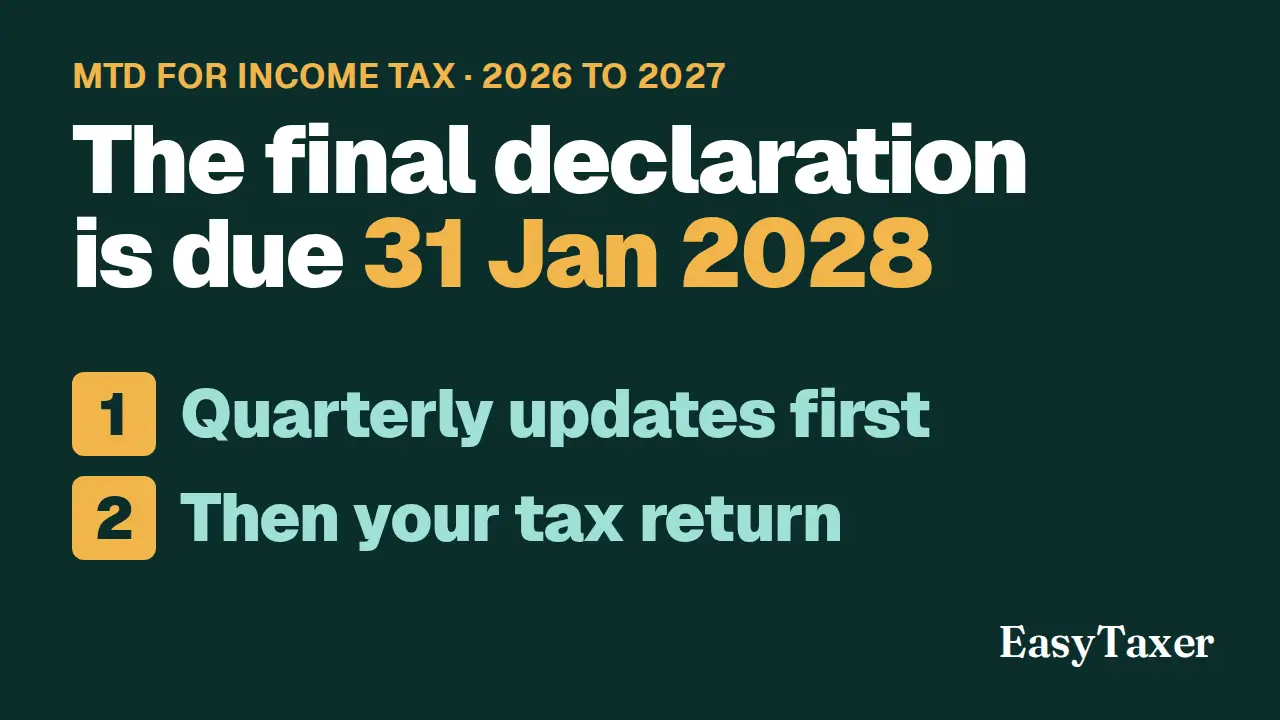
The final declaration is your tax return for the year, sent from your Making Tax Digital software. HMRC's guidance calls it submitting your tax return. For the 2026 to 2027 tax year, the deadline is 31 January 2028. You can submit it earlier.
-
Before you submit
First, send your quarterly updates. You need to send them before you can submit your tax return. Then make any adjustments to your self-employment and property income, such as removing expenses you can't claim, or claiming capital allowances.
-
Your other income
Next, make sure all your other taxable income is included. HMRC adds what it knows about, such as employment income and pensions, and you must check it. You add the rest yourself, such as savings interest and dividends.
-
How you submit
Then, in your software, confirm you're ready to submit. View and check the tax calculation. And submit, by declaring that your information is correct and complete to the best of your knowledge.
-
After you submit
Your return produces your Self Assessment tax bill. Making Tax Digital does not change the way you pay tax, or when payments are due. Tax you owe for the year is also due by 31 January. A late return gets a penalty point, and a late payment gets a penalty. If you need to make a change, you can do it in your software, within 12 months of the deadline.
-
EasyTaxer is recognised by HMRC for Making Tax Digital for Income Tax. You'll find it at easytaxer.com.
Not available yet
HMRC only accepts a final declaration once the tax year has ended. Tax year 2026-27 ends on 5 April 2027, so this will be refused until then.
Related
- On the same page in EasyTaxer: How do I see HMRC's tax calculation in EasyTaxer?
- How to submit a quarterly update (guide)
- MTD for Income Tax quarterly deadlines 2026/27 - the full calendar (guide)
- Next in this playlist: How do I see HMRC's tax calculation in EasyTaxer?
- All help articles
- Still stuck? Use Contact support in the menu under your name inside EasyTaxer, or email info@easytaxer.com.
Checked against EasyTaxer on 26 September 2026. Screens can change between releases; if something here does not match what you see, please tell us.