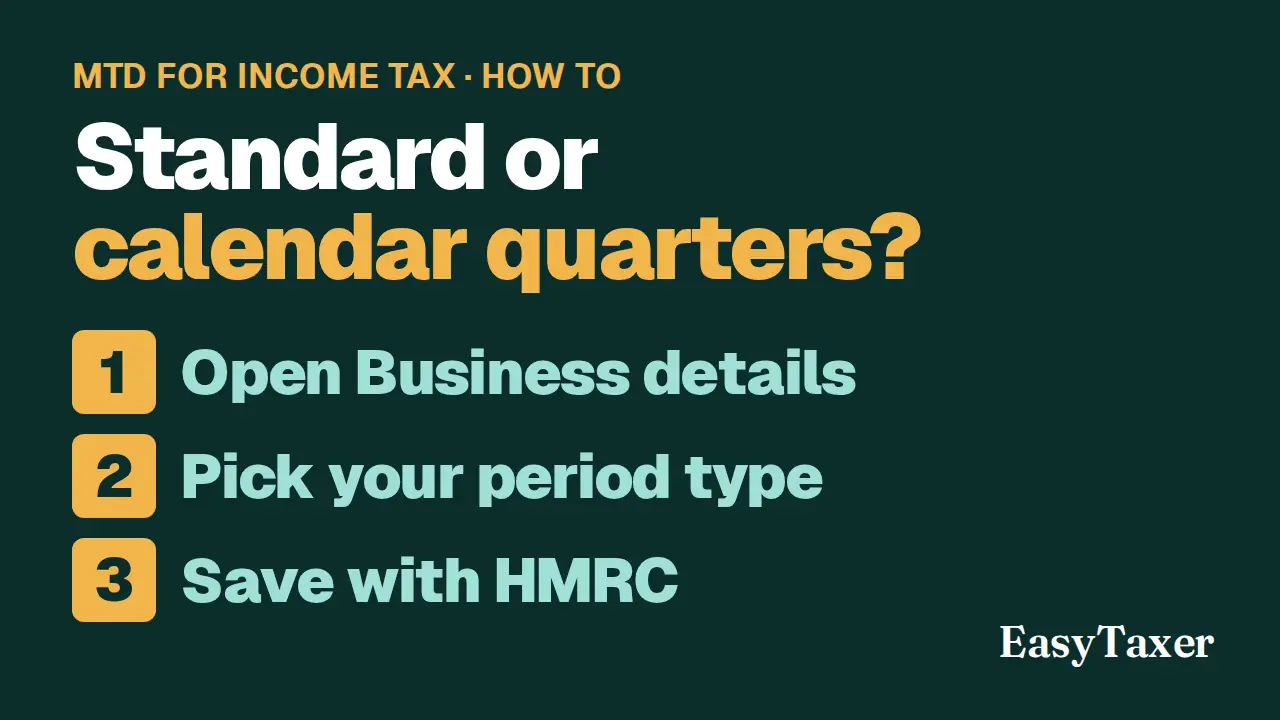
Video coming soon
Step by step
- Open Settings, Business details from the menu. Choose the business at the top of the screen; the page shows what HMRC holds for it.
- Quarterly Period Type sets the periods your quarterly updates cover. Standard quarters end on 5 July, 5 October, 5 January and 5 April. Calendar quarters end on 30 June, 30 September, 31 December and 31 March.
- Accounting Type is either Cash or Accrual.
- Make your change and select Save All Changes. EasyTaxer saves it with HMRC.
- HMRC can take a while to update your quarterly update periods to match. Check the quarters on Submissions before you send your next update; if they still look wrong after a while, contact HMRC.
Steps: the text version of this video
-
Business details
Business details, under Settings in the menu, shows what HMRC holds for each of your businesses. Choose the business at the top of the screen.
-
Quarterly period type
Quarterly period type sets the periods your updates cover. Standard quarters end on the fifth of July, October, January and April. Calendar quarters end on the last day of June, September, December and March.
-
Accounting type
Accounting type is either cash or accrual.
-
Save with HMRC
Make your change, then select Save All Changes. EasyTaxer saves it with HMRC.
-
Check your quarters
HMRC can take a while to update your quarters to match, so check them on Submissions before you send your next update.
What happens next
- HMRC can take a while to update your quarters to match. Check them on Submissions before you send your next update; if they still look wrong after a while, contact HMRC.
Related
- MTD for Income Tax quarterly deadlines 2026/27 - the full calendar (guide)
- How to submit a quarterly update (guide)
- Previous in this playlist: How do I choose my income sources in EasyTaxer?
- Next in this playlist: How do I sign in to EasyTaxer, and what if I forget my password?
- All help articles
- Still stuck? Use Contact support in the menu under your name inside EasyTaxer, or email info@easytaxer.com.
Checked against EasyTaxer on 26 September 2026. Screens can change between releases; if something here does not match what you see, please tell us.