Video coming soon
Step by step
- Open HMRC services from the menu (it is also linked from Settings, Account). It lists the Self Assessment tasks HMRC keeps in your own HMRC online account or on GOV.UK.
- Opt out of Making Tax Digital (if you signed up voluntarily): in your HMRC online account.
- Pay your Self Assessment tax bill: directly to HMRC on GOV.UK. Payments cannot be made through EasyTaxer.
- Claim a tax refund: contact HMRC.
- Change your payments on account, add a new business or close one, and change your contact preferences: in your HMRC online account.
- Each link opens in a new tab, so you keep your place in EasyTaxer.
Steps: the text version of this video
-
HMRC services
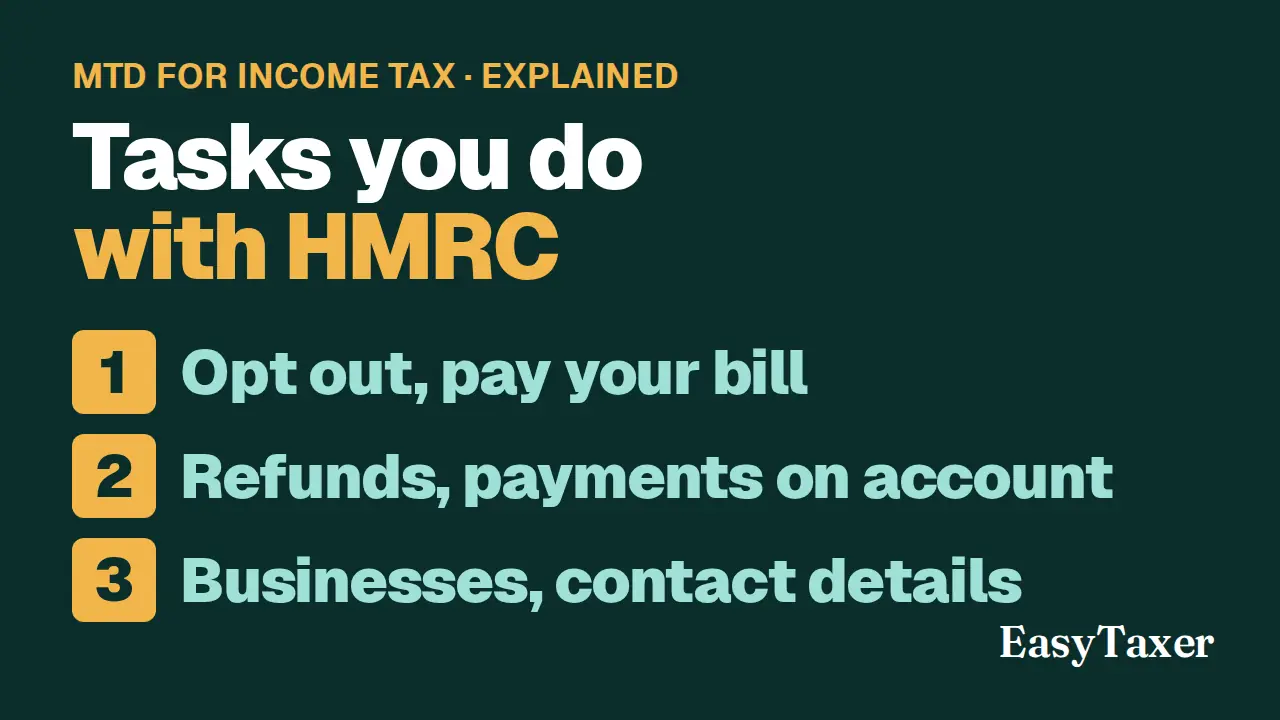
Some Self Assessment tasks are done with HMRC, not in EasyTaxer. HMRC services lists them, with a link to each.
-
Opt out, and pay your bill
If you signed up voluntarily, you opt out of Making Tax Digital in your HMRC online account. Your tax bill is paid to HMRC directly, on GOV.UK.
-
Refunds and payments on account
To claim a refund, you contact HMRC. Changing your payments on account is done in your HMRC online account.
-
Your businesses and contact preferences
So are adding or closing a business, and changing how HMRC contacts you. Each link opens in a new tab, so you keep your place in EasyTaxer.
What happens next
- Each link opens in a new tab, so you keep your place in EasyTaxer.
Related
- What is Making Tax Digital for Income Tax (MTD ITSA)? (guide)
- Getting started with EasyTaxer (guide)
- Next in this playlist: How do I report a tax liability adjustment for a loss carried back?
- All help articles
- Still stuck? Use Contact support in the menu under your name inside EasyTaxer, or email info@easytaxer.com.
Checked against EasyTaxer on 26 September 2026. Screens can change between releases; if something here does not match what you see, please tell us.