Built for the way agents work
MTD for Income Tax means more frequent reporting for every one of your clients. EasyTaxer is designed to make that manageable: a single agent account, a clear view of every client's obligations and deadlines, and a fast path to submit on their behalf.
Where your clients' records live
Your clients' income and expenses are recorded, categorised and stored in EasyTaxer, with receipts attached to the transactions they belong to. Each quarterly update is totalled from those stored records and sent to HMRC.
HMRC's software finder lists EasyTaxer under “software that creates digital records”. The bridging category — “software that connects to your records” — is marked “Not included” on our entry, because the records are already here.
How it works
Register an agent account
Sign up with your name and email — your Agent Reference Number (ARN) comes later, once you connect your practice to HMRC, and your firm details go in your account settings afterwards. No waiting list, no approval step. Register here.
Invite & manage your clients
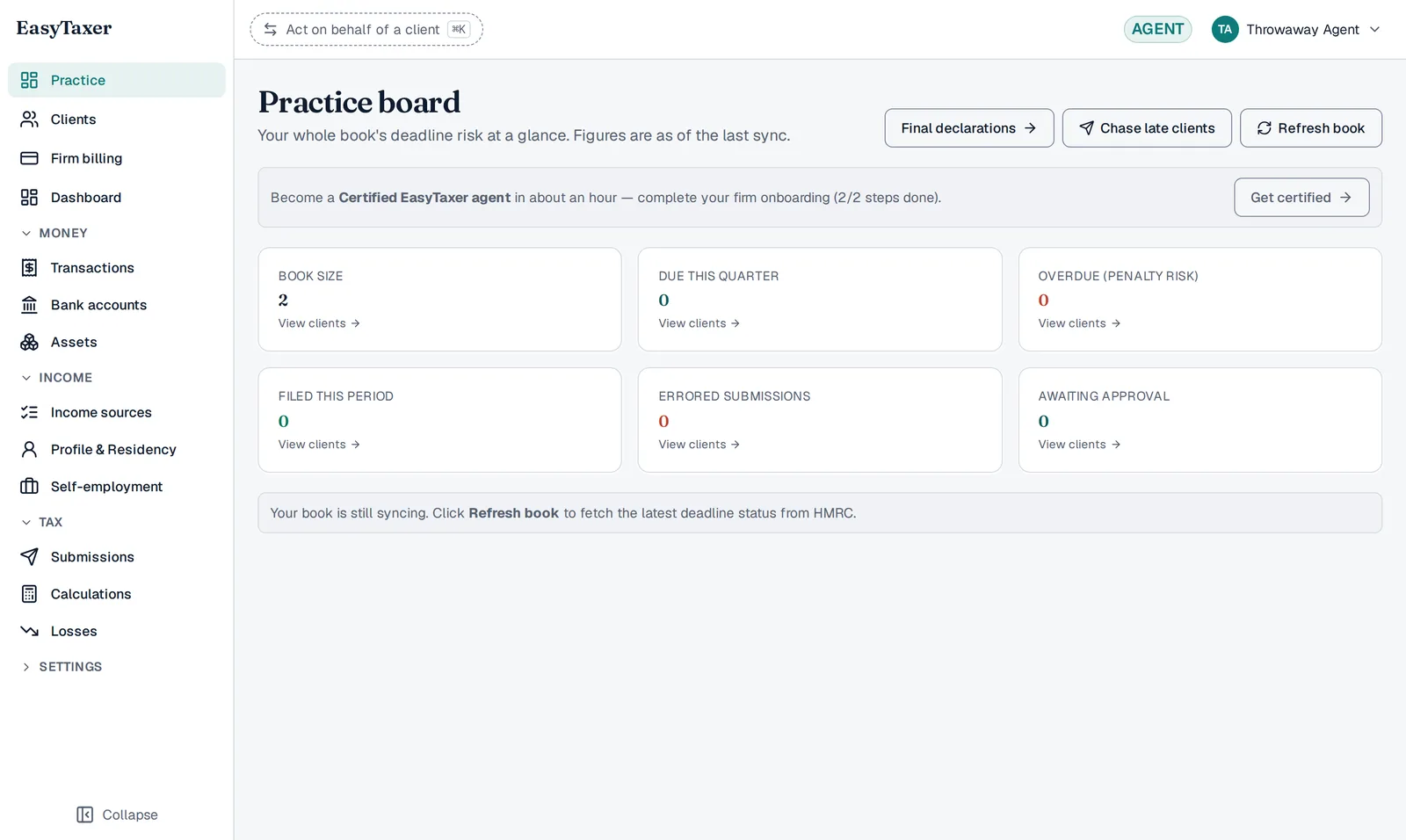
Add clients to your account and keep all of their income sources, records and obligations in one organised place. Switch between clients without logging in and out.
Act on a client's behalf
With the right HMRC agent authorisation in place, you can record figures and submit quarterly updates for a client directly from your agent dashboard — clearly showing which client you're acting for.
Finalise the year
At year-end, each client's main agent confirms their final figures and submits their final declaration. HMRC lets a client have one main agent and one or more supporting agents, and you choose your role when you invite a client. As a supporting agent you can enter and submit data, but HMRC only lets the client or their main agent view or run tax calculations and submit the final declaration — EasyTaxer tells you so where those steps would be. HMRC: choose agents for Making Tax Digital for Income Tax (GOV.UK)
Why agents choose EasyTaxer
Almost every income type
Self-employment, UK and overseas property, employment, savings interest, dividends, pensions, CIS, state benefits, foreign income and more. Capital gains and other income are not yet available: HMRC has not published a 2026-27 version of either.
Deadline tracking
See every client's obligations and what's due next, so nothing slips.
Secure & HMRC-recognised
Direct, secure submission to HMRC's APIs, with AES-256 encryption.
Before you start
You'll need an HMRC agent services account and the appropriate agent authorisation for each client (HMRC handles agent–client authorisation through its own services). EasyTaxer then lets you act for authorised clients from a single place.
Get started as an agent
Register with your name and email and sign in straight away — you confirm your ARN later, once you connect to HMRC — then bring your whole client base into one MTD-ready workspace.